
In today’s digital world, choosing the right operating system (OS) is just as important as choosing the right device. The three most popular operating systems—Android, iOS, and Windows—power billions of smartphones, tablets, and computers worldwide. Each platform has its own strengths, weaknesses, features, and ideal use cases.
In this article, we will explain the difference between Android, iOS, and Windows in simple terms, covering performance, security, customization, apps, pricing, and overall user experience. This guide will help you decide which operating system is best for your needs.
What Is an Operating System?
An operating system is the core software that allows users to interact with a device. It manages hardware, runs applications, controls security, and provides the user interface. Without an operating system, a smartphone or computer cannot function.
Overview of Android, iOS, and Windows
Android
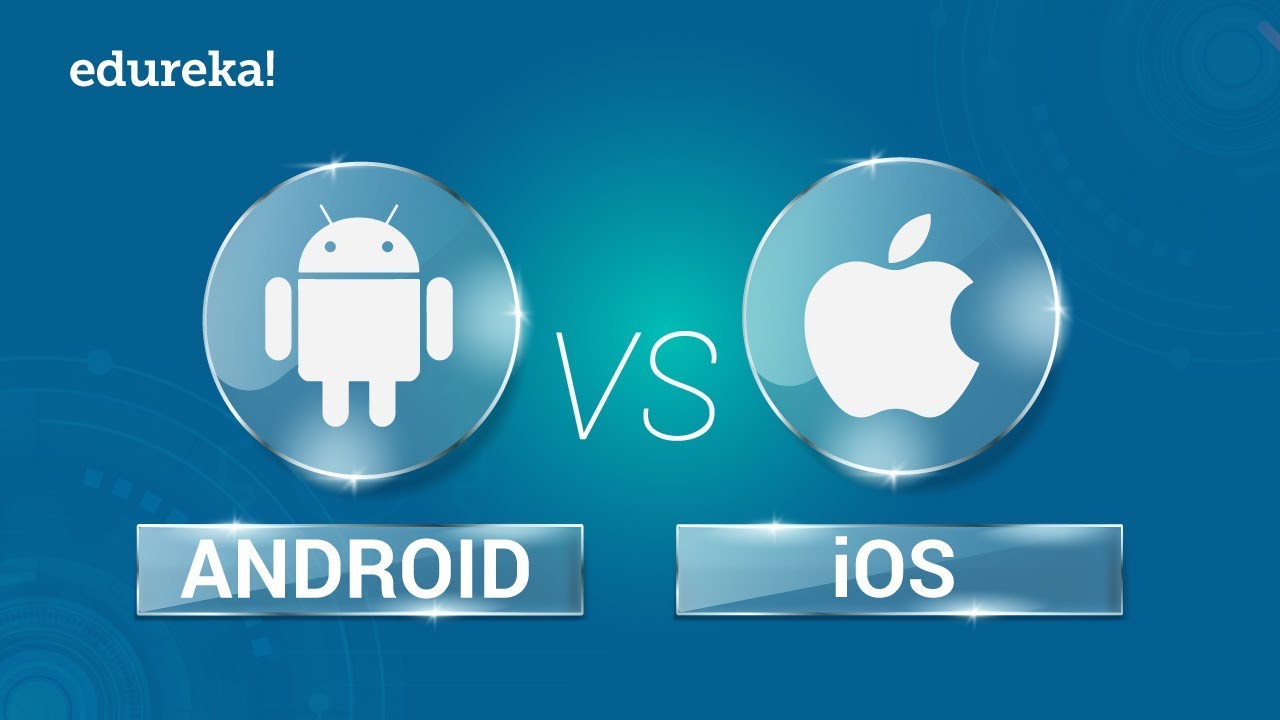
Android is an open-source operating system developed by Google. It is mainly used on smartphones and tablets by brands like Samsung, Xiaomi, OnePlus, Oppo, and many others.
iOS
iOS is a closed-source operating system developed by Apple, exclusively for iPhones and iPads. It is known for its smooth performance, strong security, and premium ecosystem.
Windows
Windows is a desktop and laptop operating system developed by Microsoft. It is widely used on PCs and laptops and also supports tablets and hybrid devices.
User Interface and Ease of Use
Android User Interface
Android offers a highly flexible and customizable interface. Users can change launchers, icons, widgets, themes, and even system behavior. This freedom makes Android popular among advanced users.
Pros:
- Customizable home screen
- Wide range of UI designs
- User-friendly navigation
Cons:
- Interface varies by manufacturer
- Can feel complex for beginners
iOS User Interface
iOS focuses on simplicity and consistency. Apple designs both hardware and software, resulting in a clean, polished interface that works smoothly across devices.
Pros:
- Simple and intuitive
- Consistent design
- Easy for beginners
Cons:
- Limited customization
- Less control over system changes
Windows User Interface
Windows provides a traditional desktop experience with multitasking capabilities, ideal for productivity and professional work.
Pros:
- Excellent multitasking
- Familiar desktop layout
- Ideal for work and gaming
Cons:
- Not optimized for small screens
- Steeper learning curve for some users
App Availability and Ecosystem
Android Apps
Android apps are available through the Google Play Store and third-party sources. Users can install APK files manually, which adds flexibility.
- Millions of apps available
- Supports modded and third-party apps
- Great for customization lovers
iOS Apps
iOS apps are available only through the Apple App Store, ensuring quality and security.
- Strict app review process
- Fewer modded or unofficial apps
- High-quality, optimized applications
Windows Applications
Windows supports traditional software like Microsoft Office, Adobe tools, and PC games.
- Best for professional software
- Strong gaming support
- Supports legacy applications
Performance and Speed
Android Performance
Performance depends on the device manufacturer and hardware. High-end Android phones perform extremely well, but low-end devices may experience lag.
iOS Performance
iOS is known for its smooth and optimized performance. Apple controls both hardware and software, ensuring long-term efficiency and faster updates.
Windows Performance
Windows performance varies depending on hardware. On powerful systems, Windows delivers excellent multitasking and performance.
Security and Privacy
Android Security
Android provides strong security features, but its open nature makes it more vulnerable if users install apps from unknown sources.
- Google Play Protect
- App permissions control
- Risk from unofficial apps
iOS Security
iOS is considered the most secure platform.
- Strong encryption
- Strict app policies
- Regular security updates
Windows Security
Windows includes built-in tools like Windows Defender and firewall protection.
- Vulnerable to malware if not protected
- Requires antivirus software
- Frequent security updates
Customization and Flexibility
| Feature | Android | iOS | Windows |
|---|---|---|---|
| Custom Themes | Yes | No | Limited |
| Widgets | Advanced | Basic | Limited |
| Third-Party Apps | Yes | Limited | Yes |
Android is the clear winner in customization, while iOS focuses on stability. Windows offers customization mainly through software and settings.
Device Compatibility and Pricing
Android Devices
- Available in low-end to premium models
- Wide price range
- Many brands and options
iOS Devices
- Premium pricing
- Limited device options
- Long-term software support
Windows Devices
- Budget to high-end PCs
- Supports many manufacturers
- Ideal for business and gaming
Updates and Support
- Android: Updates depend on manufacturer
- iOS: Fast and long-term updates for all supported devices
- Windows: Regular feature and security updates
Which Operating System Is Best for You?
Choose Android if:
- You want customization and flexibility
- You like installing APKs and third-party apps
- You want affordable device options
Choose iOS if:
- You value security and privacy
- You prefer a simple, smooth experience
- You use other Apple products
Choose Windows if:
- You need productivity tools
- You play PC games
- You work with professional software
Final Thoughts
Understanding the difference between Android, iOS, and Windows helps you make an informed decision based on your lifestyle, budget, and usage needs. Android offers freedom, iOS delivers security and polish, and Windows excels in productivity and versatility.
For users who enjoy exploring apps, mods, and APK files, Android stands out as the most flexible choice, making it especially relevant for platforms like apkw8.org.
No operating system is perfect—each excels in its own way. The best OS is the one that fits your daily needs and personal preferences.