
In today’s fast-moving digital world, not everyone owns a flagship smartphone with massive RAM and storage. Millions of users still rely on low-end Android phones with 1GB or 2GB RAM, limited storage, and basic processors. The good news? You don’t need an expensive device to enjoy essential apps and smooth performance.
In this guide, we’ll explore the Best Lightweight Apps for Low-End Phones that run smoothly, consume less data, save storage space, and keep your device fast. If your phone often hangs, lags, or runs out of space, this article is for you.
Why Lightweight Apps Matter for Low-End Phones
Low-end phones usually have:
- Limited RAM (1GB–3GB)
- Small storage (8GB–32GB)
- Entry-level processors
- Older Android versions
Heavy apps consume too much memory and background data, which causes:
- Slow performance
- Battery drain
- Storage full errors
- App crashes
That’s why choosing the best lightweight apps for low-end phones can dramatically improve your mobile experience.
Best Lightweight Social Media Apps
1. Facebook Lite
Facebook Lite is designed specifically for slower phones and weak internet connections.
Why it’s great:
- Only a few MB in size
- Works on 2G networks
- Uses less RAM
- Faster loading speed
If the regular Facebook app makes your phone slow, Facebook Lite is the perfect alternative.
2. Messenger Lite
Messenger Lite is another smart option for low-end devices.
Benefits:
- Simple interface
- Minimal battery usage
- Smooth performance on 1GB RAM phones
- Fast messaging
It removes unnecessary features and focuses on what matters — chatting.
3. Instagram Lite
Instagram Lite is ideal for users who want to browse reels and posts without heavy storage usage.
Features:
- Small app size
- Faster loading
- Less data consumption
- Runs smoothly on older Android versions
Best Lightweight Browsers for Low-End Phones
4. Google Go
Google Go is a lighter version of the Google app.
Why choose it?
- Fast search results
- Voice search support
- Small installation size
- Data saver mode
It’s perfect for quick browsing without slowing your device.
5. Opera Mini
Opera Mini is one of the best lightweight apps for low-end phones when it comes to browsing.
Top features:
- Built-in data saver
- Ad blocker
- Small size
- Smooth performance
Opera Mini compresses web pages, saving both data and speed.
6. Via Browser
Via Browser is extremely lightweight (less than 2MB in many cases).
Why users love it:
- Ultra-fast
- Minimal RAM usage
- Simple UI
- No unnecessary features
If you want a super light browser, Via is a strong choice.
Best Lightweight Video & Entertainment Apps
7. YouTube Go (Alternative: YouTube Lite Versions)
YouTube Go was created for low-end phones and slow internet users. Even though availability varies, lighter YouTube alternatives still exist.
Benefits:
- Preview videos before watching
- Download option
- Data control
- Smaller app size
For low storage devices, lighter YouTube apps work much better than the main version.
8. MX Player Lite
MX Player Lite is a trimmed-down version of the popular video player.
Why it works well:
- Supports multiple formats
- Less RAM usage
- Smooth video playback
- Works on older Android versions
Best Lightweight File Management & Utility Apps
9. Files by Google
Files by Google is optimized and lightweight.
Key features:
- Cleans junk files
- Frees up storage
- Easy file sharing
- Small app size
It’s one of the best lightweight apps for low-end phones to keep storage clean.
10. CCleaner Lite
CCleaner Lite helps remove cache and unnecessary files.
Benefits:
- Boosts phone speed
- Small installation size
- Easy to use
- Improves performance
Using a lightweight cleaner helps low-end devices stay smooth.
Best Lightweight Messaging & Communication Apps
11. Telegram Lite
Telegram Lite is faster and lighter than the full app.
Advantages:
- Cloud messaging
- Low storage usage
- Fast performance
- Minimal battery drain
12. WhatsApp (Optimized Settings)
While WhatsApp doesn’t have a lite version in all regions, you can optimize it:
- Disable auto-download media
- Clear chats regularly
- Limit background data
This makes WhatsApp run better on low-end phones.
Best Lightweight Music Apps
13. Spotify Lite
Spotify Lite is perfect for music lovers with basic smartphones.
Why it’s ideal:
- Smaller size
- Data control options
- Smooth performance
- Works on older Android versions
14. Music Player Lite Apps
Many offline music players are under 5MB.
Look for:
- No ads
- Minimal design
- Low RAM usage
Offline players are better than streaming apps for low-end devices.
Best Lightweight Launchers for Better Performance
Sometimes, the biggest problem isn’t apps — it’s your phone’s launcher.
15. Smart Launcher 6 Lite
- Fast performance
- Minimal animations
- Low RAM consumption
16. Nova Launcher (Lite Settings)
Nova Launcher can run smoothly if animations are disabled.
Pro tip: Reduce animation scale from Developer Options for better speed.
Tips to Improve Performance on Low-End Phones
Installing the best lightweight apps for low-end phones is just one step. Follow these additional tips:
1. Remove Unused Apps
Delete apps you don’t use regularly.
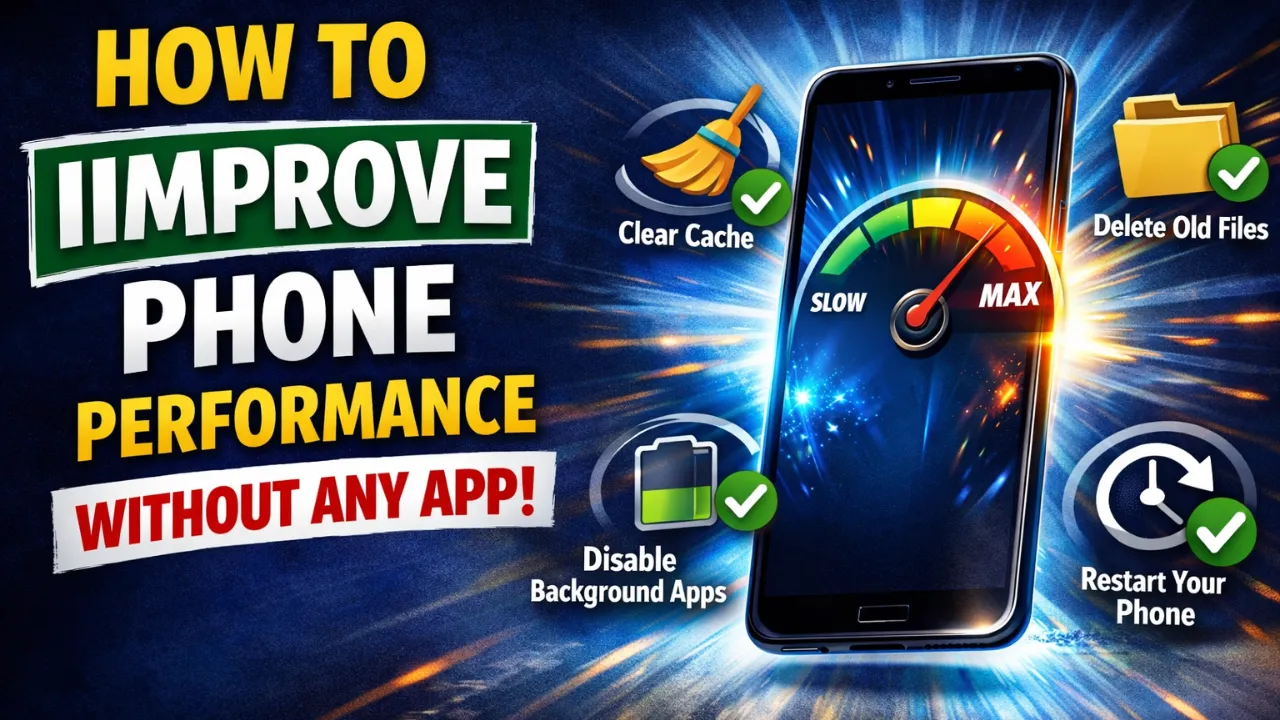
2. Disable Background Apps
Limit background processes from Developer Options.
3. Clear Cache Weekly
Regular cache cleaning improves speed.
4. Use Lite Versions Only
Always choose lite apps over heavy versions.
5. Update Only Important Apps
Avoid installing unnecessary updates that increase app size.
How to Choose the Best Lightweight Apps for Low-End Phones
Before installing any app, check:
- App size (prefer under 20MB)
- RAM usage
- User reviews
- Required Android version
- Background data consumption
Smaller apps generally perform better on 1GB–2GB RAM devices.
Are Lightweight Apps Safe?
Yes, if you download them from trusted sources like:
- Google Play Store
- Official developer websites
Avoid installing unknown APK files that may contain malware or slow your phone.
Final Thoughts
Owning a low-end phone doesn’t mean you have to suffer from slow performance or limited functionality. By choosing the Best Lightweight Apps for Low-End Phones, you can enjoy social media, browsing, messaging, music, and entertainment without lag.
Light apps:
- Save storage
- Reduce RAM usage
- Improve battery life
- Work better on slow internet
If your device struggles with heavy applications, switching to lite versions can completely transform your experience.
For more smart app recommendations, Android tips, and tech guides, keep visiting apkw8.org — your trusted source for simple how-to guides and smart tech solutions.