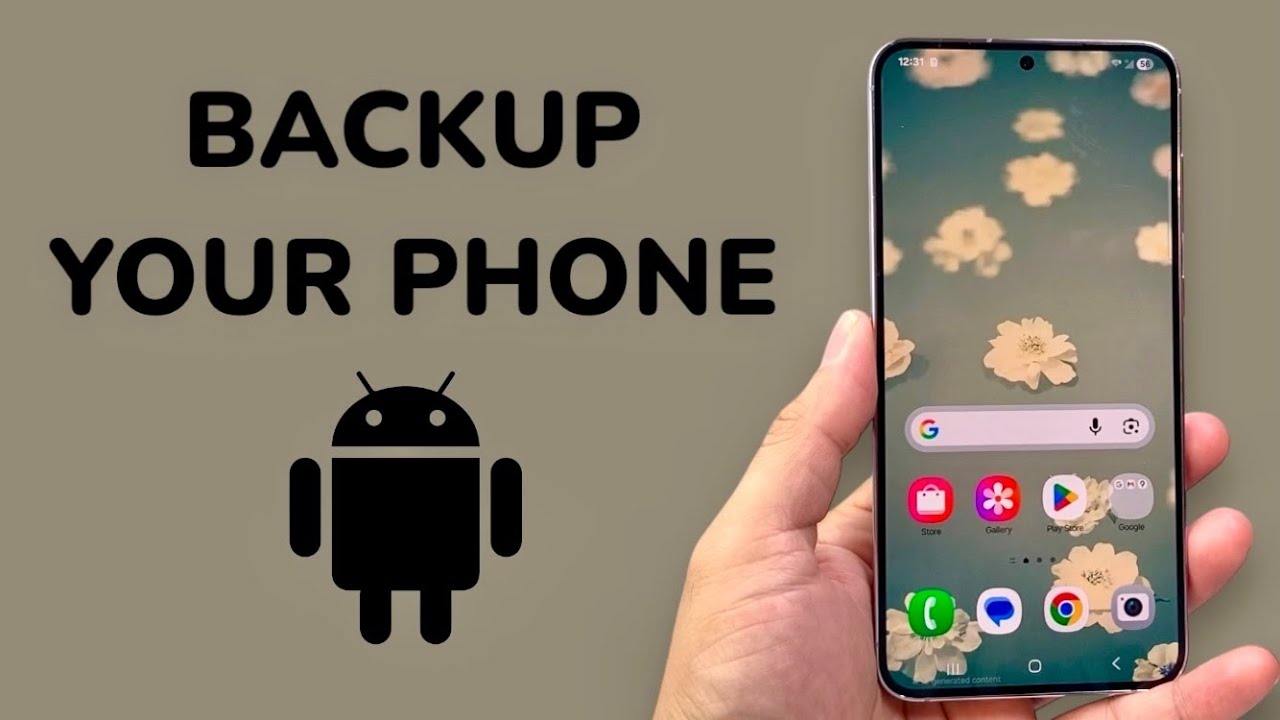

In today’s digital world, smartphones store our most valuable information—photos, videos, contacts, messages, documents, and app data. Losing this data due to accidental deletion, device damage, or software issues can be stressful. Many users believe that backing up mobile data requires paid apps or premium subscriptions, but that’s not true.
In this guide, we’ll explain how to backup mobile data without using paid apps, using free, built-in tools available on Android and iOS devices. These methods are safe, reliable, and easy to use, making them perfect for users who want to protect their data without spending money.
Why Mobile Data Backup Is Important
Before diving into the methods, it’s important to understand why regular backups are essential:
- Protects data from accidental deletion
- Helps recover information after phone theft or loss
- Ensures smooth data transfer when upgrading devices
- Prevents data loss during software updates or factory resets
Regular backups save time, stress, and irreplaceable memories.
Backup Mobile Data Without Paid Apps (Android & iOS)
1. Use Google Account Backup (Android – Free)
Android devices come with built-in Google backup features that work automatically.
What it backs up:
- Contacts
- Call history
- SMS messages
- App data
- Device settings
- Wi-Fi passwords
How to enable it:
- Open Settings
- Go to Google
- Tap Backup
- Turn on Backup by Google One
Google provides 15GB of free storage, which is sufficient for most users.
SEO Tip: Google backup is one of the best free Android backup solutions.
2. Backup Photos & Videos with Google Photos
Photos and videos take up most storage, and Google Photos offers a free solution.
Steps:
- Install Google Photos (usually pre-installed)
- Sign in with your Google account
- Enable Backup & Sync
- Choose upload quality (Storage saver is free)
You can access your photos anytime from any device.
3. Use iCloud Backup (iPhone – Free Tier)
Apple users can rely on iCloud’s free backup option.
What it backs up:
- Photos and videos
- App data
- Contacts
- Messages
- Device settings
How to enable:
- Open Settings
- Tap your Apple ID
- Go to iCloud
- Select iCloud Backup
- Turn it on
Apple provides 5GB of free storage, which can be managed by disabling unnecessary backups.
4. Backup Mobile Data to PC or Laptop (Offline Method)
One of the safest and completely free methods is backing up data to a computer.
For Android:
- Connect phone to PC via USB cable
- Select File Transfer
- Copy folders like:
- DCIM (photos)
- Videos
- Documents
- Downloads
For iPhone:
- Install iTunes on PC or Finder on Mac
- Connect device
- Click Back Up Now
This method doesn’t require internet or cloud storage.
5. Backup Contacts Without Paid Apps
Contacts are crucial and easy to back up.
Android:
- Sync contacts with Google Account
- Export contacts as a .VCF file
iPhone:
- Sync contacts with iCloud
- Export from iCloud.com
This ensures your contacts are always recoverable.
6. Backup WhatsApp Data for Free
WhatsApp includes its own free backup system.
Android:
- Uses Google Drive
- Go to WhatsApp > Settings > Chats > Chat Backup
iPhone:
- Uses iCloud
- Go to WhatsApp > Settings > Chats > Chat Backup
Text messages don’t count toward Google Drive storage for Android users.
7. Use Free File Manager Apps
Many free file manager apps help you manually back up data.
Popular options:
- Files by Google
- Mi File Manager
- Samsung My Files
You can copy data to:
- SD card
- USB OTG drive
- External storage
No paid subscriptions required.
8. Backup Apps Without Paying
While app data backup can be limited, you can still:
- Re-download apps from Play Store or App Store
- Sync progress using app accounts (Google, Facebook, email)
- Use built-in Android backup
Avoid risky third-party cracked apps that may compromise security.
Best Practices for Free Mobile Data Backup
- Backup data weekly or monthly
- Use both cloud and offline backups
- Check storage limits regularly
- Encrypt sensitive files if possible
- Avoid unknown backup APKs from untrusted sources
Common Backup Mistakes to Avoid
- Relying on only one backup method
- Not checking if backup completed successfully
- Ignoring storage warnings
- Forgetting to back up before factory reset
Final Thoughts
Backing up mobile data does not require paid apps or subscriptions. With built-in tools like Google Backup, iCloud, Google Photos, and PC backups, anyone can protect their valuable data for free.
For Android and iOS users alike, these methods are reliable, secure, and beginner-friendly. By following this guide, you can ensure your photos, contacts, messages, and files are always safe—without spending a single dollar.
For more Android tips, APK guides, and mobile solutions, stay connected with apkw8.org, your trusted source for free and safe mobile resources.