
In today’s digital world, our smartphones have become our daily companions. From browsing and gaming to editing videos and managing business tasks, we rely heavily on our devices. But over time, phones often become slow, laggy, and frustrating to use.
Many users search for performance booster apps, but the truth is — not all of them are safe. Some apps promise “instant speed boost” but end up showing too many ads, draining battery, or even stealing data.
So the real question is:
Are there safe apps that actually improve phone performance?
The answer is yes — but only if you choose the right ones.
In this complete guide, we’ll explore safe apps that actually improve phone performance, how they work, and how to use them correctly without harming your device.
Why Phones Slow Down Over Time
Before we talk about apps, let’s understand why your phone becomes slow:
- Too many background apps running
- Storage almost full
- Cached junk files
- Outdated system software
- Malware or unsafe apps
- Old battery performance
- Heavy launchers and widgets
Instead of installing random “RAM booster” apps, you need smart and secure solutions.
What Makes an App Safe?
When looking for safe apps that actually improve phone performance, always check:
✔ High ratings (4.3+ ideally)
✔ Millions of downloads
✔ Verified developer
✔ Regular updates
✔ Limited permissions
✔ No aggressive ads
Never download “modded” or unknown APK files from unsafe sources.
1. Files by Google – Smart Cleaning & Storage Manager
One of the most trusted safe apps that actually improve phone performance is Files by Google.
Why it’s safe:
- Developed by Google
- No unnecessary ads
- Doesn’t access private data
What it does:
- Removes junk files
- Clears duplicate photos
- Finds unused apps
- Frees up storage space
When your storage is full, your phone slows down. Cleaning 2–3 GB can instantly make your phone smoother.
Best for: Low storage devices.
2. CCleaner (Official Version)
CCleaner has been around for years on PC and mobile.
Features:
- Clears cache
- Removes temporary files
- Monitors RAM usage
- Storage analyzer
Make sure to download the official version from Play Store only.
Used properly (once or twice weekly), CCleaner can help maintain performance.
3. SD Maid SE
If you want more control, SD Maid SE is a powerful option.
Why it stands out:
- Deep cleaning system
- Removes leftover files after uninstalling apps
- Finds hidden junk folders
This app is ideal for advanced users who want detailed file management.
4. Greenify – Control Background Apps
Many apps run in background even when you don’t use them.
Greenify helps:
- Put apps into hibernation
- Reduce battery drain
- Improve RAM performance
Instead of killing apps aggressively (which can harm system stability), Greenify smartly controls them.
5. AVG Cleaner
AVG is a well-known cybersecurity company.
AVG Cleaner offers:
- Junk cleaning
- Photo cleaner
- App hibernation
- Battery insights
It’s a good all-in-one option among safe apps that actually improve phone performance.
6. Lite Versions of Apps
Sometimes, the best performance booster isn’t a cleaner — it’s using lighter apps.
Instead of:
- Facebook → Use Facebook Lite
- Messenger → Messenger Lite
- YouTube → YouTube Lite
- TikTok → TikTok Lite
Lite apps:
- Use less RAM
- Consume less storage
- Reduce background usage
- Save battery
This can significantly improve phone performance without installing extra tools.
7. Device Care (Samsung Users)
If you’re using Samsung, you already have built-in optimization.
Go to:
Settings → Device Care → Optimize Now
It:
- Clears RAM
- Closes background apps
- Checks battery health
- Scans for malware
Built-in tools are always safer than third-party apps.
Apps You Should Avoid
Not all “booster apps” are safe.
Avoid apps that:
❌ Promise “100% RAM Boost”
❌ Show too many ads
❌ Require unnecessary permissions
❌ Automatically install other apps
❌ Claim to cool your CPU physically
Most “RAM booster” apps actually slow down your phone because Android already manages RAM efficiently.
Do RAM Cleaner Apps Really Work?
Modern Android systems are smart.
When you manually close apps:
- The system reopens them
- Battery drains faster
- Performance may decrease
Instead of force-closing apps, focus on:
- Removing unused apps
- Clearing storage
- Updating software
- Using lightweight apps
That’s the smarter way to improve phone performance safely.
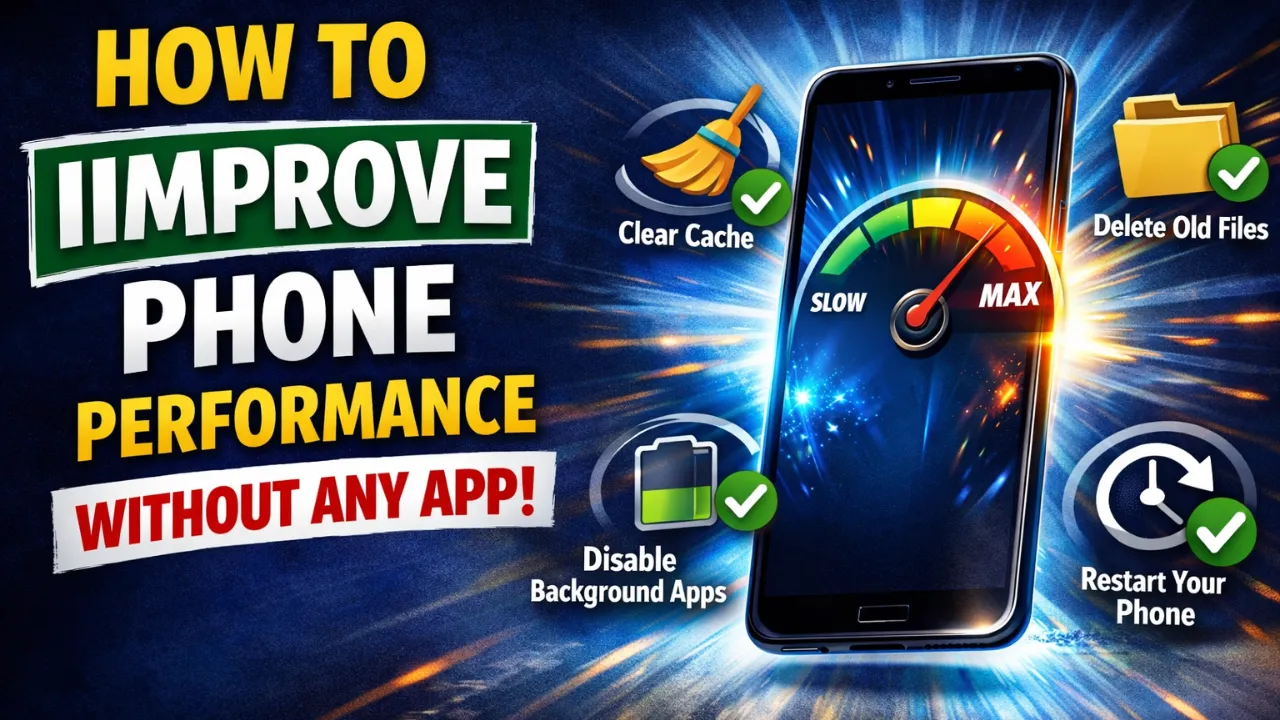
Additional Tips to Improve Phone Performance (Without Apps)
Even the best safe apps that actually improve phone performance won’t help if you ignore basic habits.
Here are simple tips:
1. Restart Your Phone Weekly
A simple restart clears temporary memory issues.
2. Keep Storage Below 80%
If your storage is 95% full, your phone will lag.
3. Update Your System
Software updates fix bugs and improve performance.
4. Disable Animations
Go to Developer Options:
- Window animation scale → 0.5x
- Transition animation scale → 0.5x
- Animator duration scale → 0.5x
This makes your phone feel faster instantly.
5. Remove Live Wallpapers
Live wallpapers consume RAM and battery.
How to Check If an App Is Slowing Your Phone
Go to:
Settings → Battery → Battery Usage
Or:
Settings → Apps → Running Apps
If one app consumes too much RAM or battery:
- Uninstall it
- Replace it with a lighter alternative
Safe Apps vs Fake Booster Apps – The Truth
Many fake apps:
- Show fake “RAM cleaned 2GB” messages
- Display aggressive ads
- Drain battery
- Sell user data
Real safe apps that actually improve phone performance:
✔ Focus on cleaning junk
✔ Help manage storage
✔ Control background apps
✔ Don’t interfere with system processes
Remember: No app can magically double your phone’s speed.
Best Combination for Maximum Results
If you want a safe and effective setup:
- Files by Google (for storage cleaning)
- Greenify (for background control)
- Lite apps instead of heavy apps
- Weekly restart habit
That’s it.
You don’t need 5–6 cleaner apps.
When You Should NOT Install Performance Apps
If:
- Your phone has 6GB+ RAM
- Storage is above 30% free
- System is updated
- No heavy gaming apps
Then you likely don’t need any booster app.
Sometimes installing extra apps creates more problems.
Final Thoughts
Improving phone performance doesn’t require risky tools or unsafe APKs.
There are safe apps that actually improve phone performance, but they work best when combined with smart usage habits.
Instead of chasing fake “1 Tap Speed Boost” apps:
✔ Clean storage regularly
✔ Use trusted apps only
✔ Switch to lite versions
✔ Avoid background-heavy apps
✔ Keep your system updated
Your phone will stay smooth, secure, and fast.
Conclusion
Choosing safe apps that actually improve phone performance is about smart decisions — not downloading every trending cleaner app.
Stick with trusted developers like Google, AVG, and well-rated utilities. Avoid apps with unrealistic promises. Focus on storage management, background control, and lightweight alternatives.
A well-maintained phone doesn’t just run faster — it lasts longer.